Blog · Dynamic SVG
The 9 best dynamic SVG pumps for WinCC Unified and WinCC V8 (free)
We opened every dynamic SVG pump in the HMIx catalogue, 26 products with "pump" in their name in October 2026, looked at each render up close, read every product sheet and kept the nine we would happily drop into a WinCC Unified or WinCC V8 screen tomorrow morning. All free, all in .svghmi format: realistic centrifugal and submersible pumps, a sludge pump, a lobe pump and clean P&ID pump symbols.
- Dynamic SVG
- SVGHMI
- WinCC Unified
- WinCC V8
- TIA Portal
- Pump symbols
- HMI graphics
- SCADA symbols
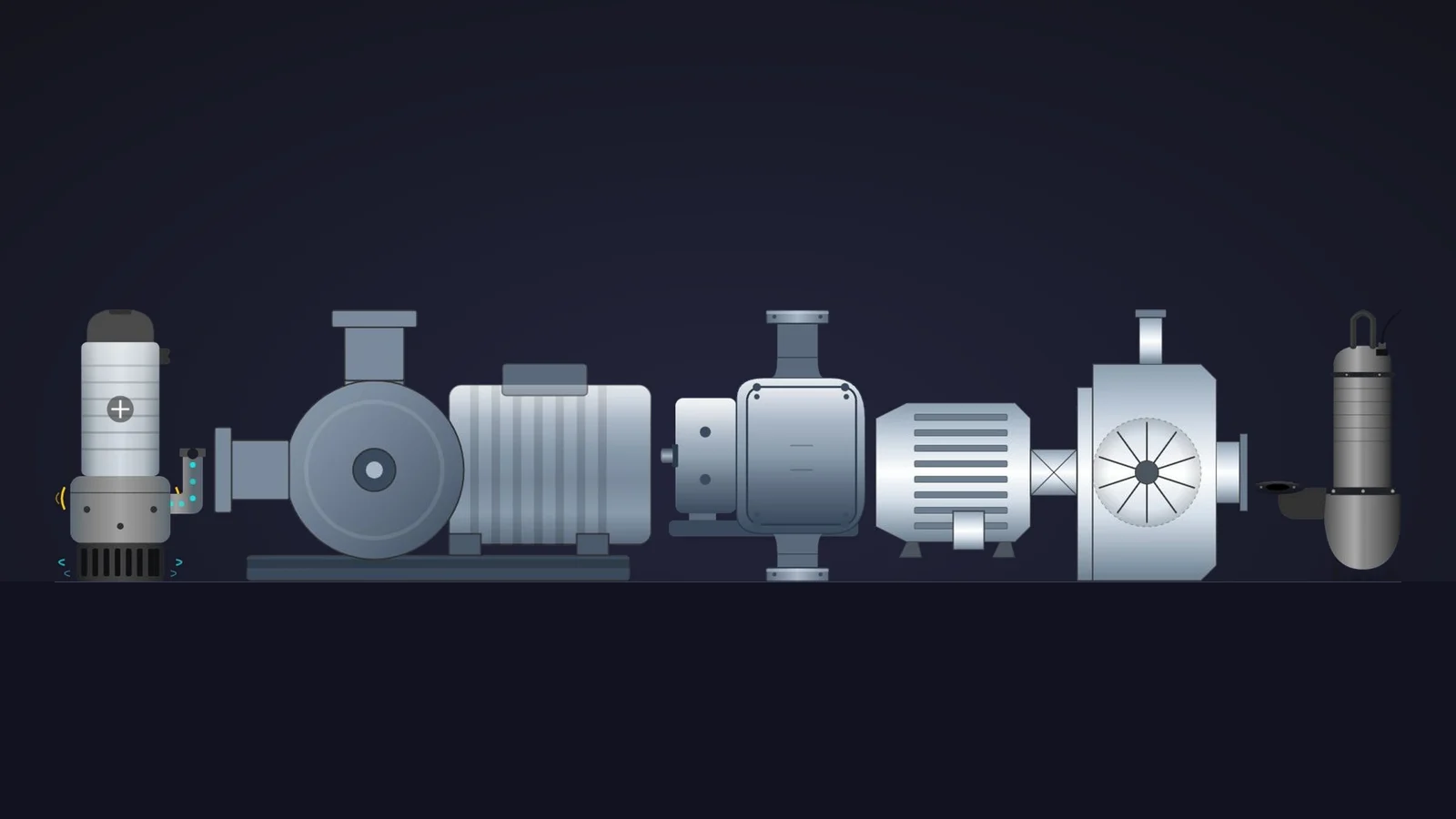
Quick picks
Short on time? Jump straight to the pump you need.
- 01Best overall (and the most configurable)Water Pump
- 02Best animated centrifugal pumpCentrifugal Pump
- 03Best P&ID pump symbolPump Symbol
- 04Best for high-performance HMI screensProcess Line Pump
- 05Best submersible pump with flow and vibration effectsSubmersible Pump
- 06Best wastewater submersible pumpSubmersible Pump
- 07Best progressive cavity pump for sludgeSludge Feed Pump
- 08Best lobe pump for hygienic processesLobe Pump
- 09Best eye-catching symbol for overviewsImpulsion Pump Symbol
Why the pump symbol is the hardest-working object on your screen
Tanks get the attention, but pumps do the work. A lift station, a cooling loop, a dosing skid or a whole water network: every process screen is full of pumps, and the operator's first question is always the same. Is it running, is it stopped or is it in fault? A good dynamic SVG pump answers that before anyone reads a single number.
In WinCC Unified (TIA Portal) and in WinCC V8, a dynamic SVG, the .svghmi format, is a vector drawing that exposes properties such as MotorColor or RotorRotation. You drag it onto the screen, bind those properties to HMI tags and the drawing reacts: the casing changes colour with the state, the impeller turns, a fault icon lights up. No scripts, no JavaScript, and it stays sharp at any size, from a 7-inch Unified Comfort Panel to a 4K control-room wall.
What makes a dynamic SVG pump worth downloading
Before the list, the yardstick. This is what we looked for, roughly in order of how much it annoys us when it is missing:
- A state you can see. A colour property for the motor or the casing at the very least, so running, stopped and fault are obvious. Built-in status icons or a turning impeller are a bonus.
- Honest motion. Rotation only makes sense when the shaft points at the viewer, as with an impeller seen from the front. In a side view, colour and visibility tell the story better than a spinning drawing.
- Properties named in the sheet. If the product page announces twelve properties, we want to know what they are called before we download. Sheets that name none of them went to the honourable mentions at best.
- Readable when small. Plant overviews shrink pumps to the size of a fingernail; a pump that turns into grey soup at 60 pixels is no good there.
- Variety. Instead of nine copies of the same end-suction pump, we picked one champion per job: general duty, animated centrifugal, P&ID symbol, status overview, submersible, wastewater, sludge, hygienic and a round symbol for overviews.
How we picked them (and what we did not do)
We went through the 26 dynamic SVGs with "pump" in their name published on HMIx in October 2026. For each one we looked at its real render (the drawing itself, not the catalogue cover with the big title on top) and read its product sheet to see which properties it exposes. Downloads and reviews only worked as tie-breakers: the most downloaded pump in the catalogue had 13 downloads at the time of writing, so nobody has had time to build a reputation yet.
We left out three products whose published preview shows only an "SVG Preview" placeholder, three whose render does not look like a pump at all (a framed fan, a propeller and something closer to an air handling unit), a pump protection relay that is a different kind of device, and near-duplicates of better siblings. A fair warning, too: for this article we judged drawings and documentation; we did not run these pumps in a live Runtime. They were generated with AI and every product page reminds you to test them in your own TIA Portal project before production. We would say the same about anything you download from anywhere.
The 9 best dynamic SVG pumps, one by one
Each entry shows the real SVG render, what we liked, what to keep in mind and the properties you can bind, followed by the catalogue thumbnail: click it to open the product page and download the pump for free.
01Best overall (and the most configurable)
Water Pump
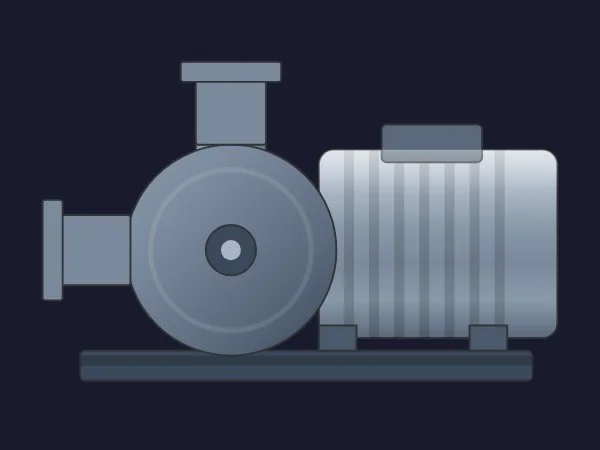
If we could only keep one, it would be this one. A classic end-suction centrifugal pump seen from the side: inlet flange on the left, discharge on top, a round volute, a ribbed motor with its junction box and everything sitting on a shared baseplate. Calm greys, clean shapes and nothing that will look dated next to your other equipment.
What sells it is the configurability. Its sheet announces 17 properties and names eleven of them: colours for the motor, the pump, the foundation, the flanges, the junction box and the shaft bolts, switches such as ShowFins, ShowBase and ShowHighlights, and two rarities, InletPipeWidth and OutletPipeWidth, which let you match the pump's nozzles to the width of the pipes you already draw in WinCC.
It is also, at the time of writing, the most downloaded pump in the catalogue. Not by a landslide, but the crowd and we agree.
What we like
- Pipe widths you can match to your existing piping graphics
- From detailed to plain with
ShowFins,ShowBaseandShowHighlights - Sober colours that suit high-performance screens
Keep in mind
- No rotation or running property in its sheet: show the state through
MotorColororPumpColor - The sheet announces 17 properties but names eleven: check the full interface in TIA Portal
Bindable properties
- MotorColor
- PumpColor
- FoundationColor
- FlangeColor
- JunctionBoxColor
- ShaftBoltColor
- ShowFins
- ShowBase
- ShowHighlights
- InletPipeWidth
- OutletPipeWidth
02Best animated centrifugal pump
Centrifugal Pump
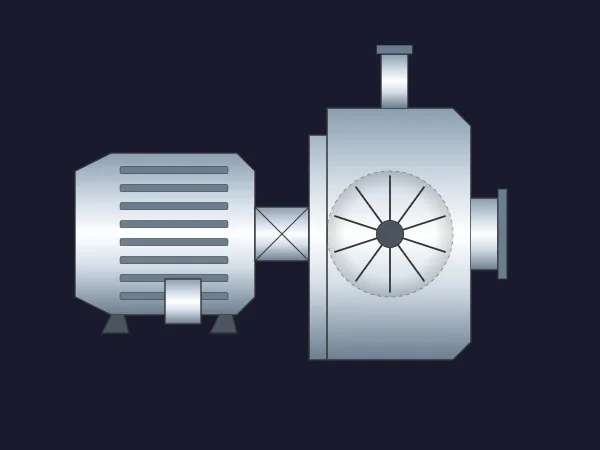
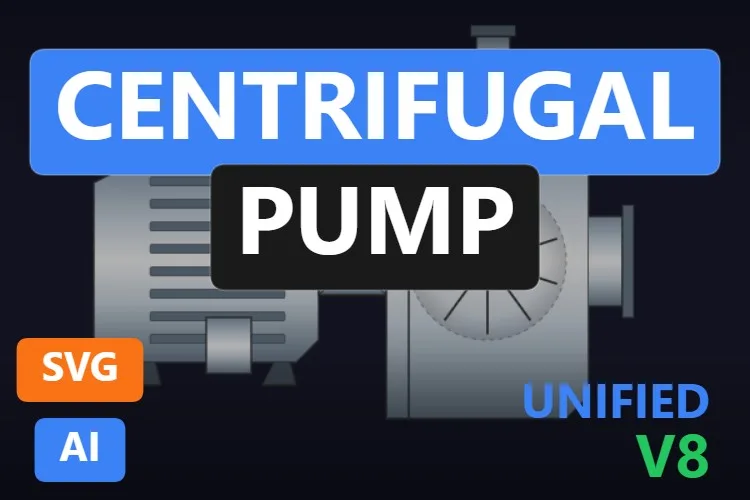
The shiniest pump on the list. A finned motor on feet, a coupling guard and a bright, faceted pump casing with the impeller drawn inside a cut-out, plus a top discharge and a side flange. The brushed-steel gradients make it look premium on a dark background.
RotorRotation drives the impeller, and that is the one place where turning a part makes sense, because the impeller is drawn face-on. CouplingStatusColor is a nice touch: you can flag the drive train on its own, for example a coupling alarm, while MotorColor and PumpColor carry the main state. ShowMotor and ShowPump hide either half, handy for a bare-shaft pump driven by something else.
What we like
- Impeller rotation drawn face-on, so the motion reads naturally
- A separate status colour for the coupling
- Every one of its seven properties is named in the sheet
Keep in mind
- Very bright: on light screens it can look washed out
- It has a near-twin with a baseplate (Heavy Duty Pump, in the mentions): pick one style and stick to it
Bindable properties
- RotorRotation
- ShowMotor
- ShowPump
- MotorColor
- PumpColor
- CouplingStatusColor
- BasicColor
03Best P&ID pump symbol
Pump Symbol

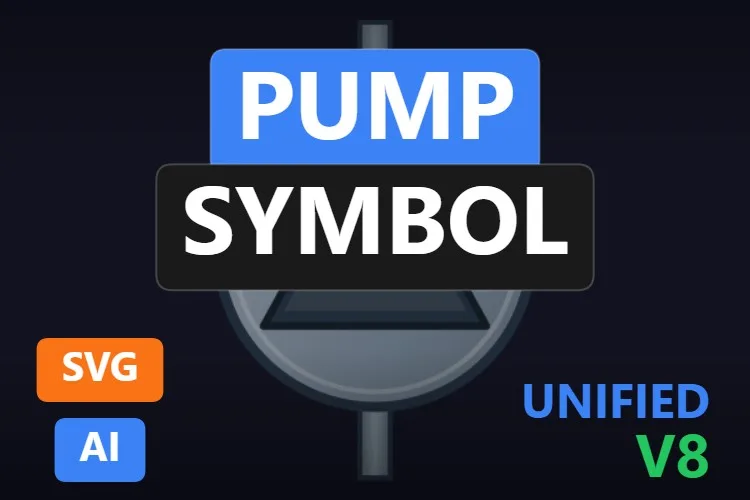
Sometimes you do not want a picture of a pump, you want the symbol. This is the textbook one: a circle with a triangle pointing towards the discharge and two pipe stubs. According to its sheet, it follows ISO 7000-0134 and ISO 14617-6, the references for that circle-and-triangle shape.
It is built for state, not for show. ActiveColor paints the running or fault state, BasicColor and StrokeColor set the neutral look, ShowFlow toggles the flow indicator and RotationAngle turns the whole symbol so the discharge points where your pipe goes. Five properties, all named, bound in two minutes.
What we like
- A standard shape every operator recognises
RotationAnglefits it to any pipe direction- Perfect at small sizes on dense overviews
Keep in mind
- No motor, no status icons: it is a symbol, nothing more
- The preview has the discharge pointing up: plan on
RotationAnglefor horizontal pipe runs
Bindable properties
- ActiveColor
- BasicColor
- StrokeColor
- ShowFlow
- RotationAngle
04Best for high-performance HMI screens
Process Line Pump

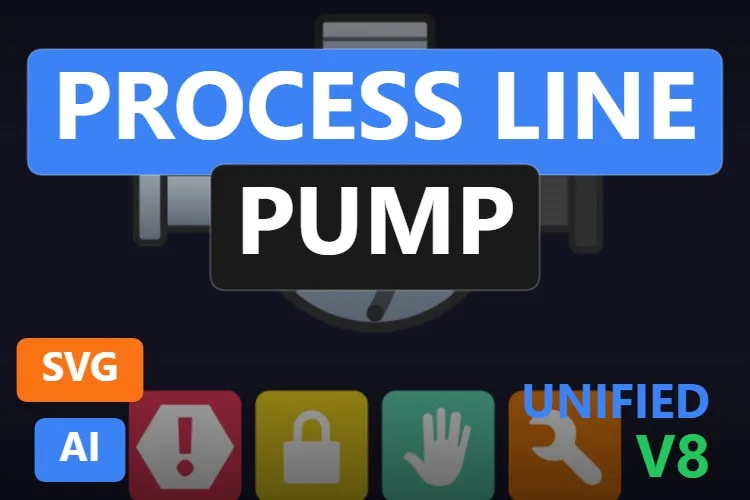
One object that does the work of five. A front view of a pump casing with a curved-vane impeller, bolts around the rim and inlet and outlet pipes, and underneath, four status icons: alarm, interlock, manual mode and maintenance.
ImpellerRotation turns the impeller, and because it is drawn face-on, the movement looks right. The icons are switched with properties such as ShowIconAlarm and ShowIconManual and recoloured with ColorAlarm and ColorLock, while BasicColor, BearingColor and ImpellerColor handle the pump itself. An operator scanning twenty pumps sees at a glance which one is locked or in manual.
What we like
- Equipment state at a glance, without extra symbols
- Rotation that makes physical sense
- Twelve properties, the richest status set on the list
Keep in mind
- The default icon colours are loud: tone them down for grey ISA-101-style palettes
- The sheet names eight of its twelve properties; the rest you will find in TIA Portal
Bindable properties
- ImpellerRotation
- BasicColor
- BearingColor
- ImpellerColor
- ShowIconAlarm
- ShowIconManual
- ColorAlarm
- ColorLock
05Best submersible pump with flow and vibration effects
Submersible Pump

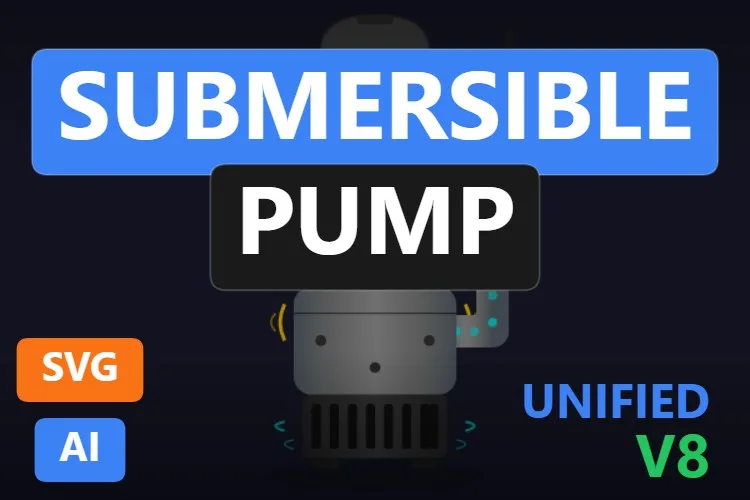
The most expressive pump on the list. A tall submersible with a light motor housing, a power cable, a bolted pump section, an intake grille at the bottom and a discharge elbow on the side. In the preview, cyan dots travel up the discharge, cyan chevrons mark the suction and small yellow arcs signal vibration.
Every effect has its own switch: ShowFlow, ShowSuction and ShowVibration, plus VibrationIntensity and RotationSpeed for the rotation indicator. MotorStatusColor paints the motor with its state and PumpCasingColor and BasicColor set the rest. All eight properties are named in the sheet, which we appreciate.
What we like
- Flow, suction and vibration you can show or hide one by one
- A dedicated motor status colour
- Fully documented interface
Keep in mind
- With every effect on it gets busy: switch them off on calm overview screens
- Bind
ShowVibrationto a real vibration alarm, not to "running", or operators will learn to ignore it
Bindable properties
- RotationSpeed
- ShowFlow
- ShowSuction
- ShowVibration
- VibrationIntensity
- MotorStatusColor
- PumpCasingColor
- BasicColor
06Best wastewater submersible pump
Submersible Pump
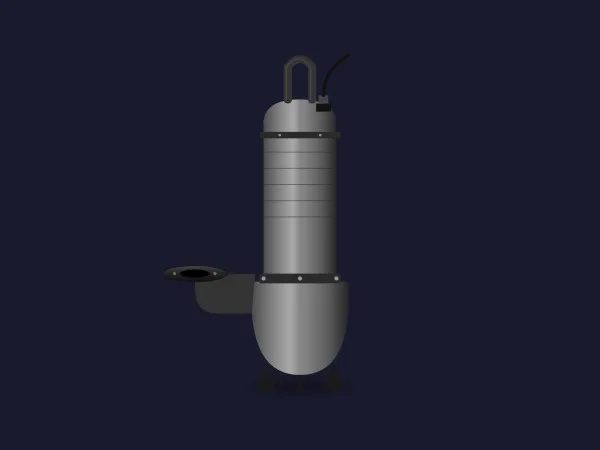
If the previous one is the showman, this one is the sewer worker. A slim grey submersible with a lifting handle and cable on top, a ribbed motor, a rounded volute with feet and a flanged discharge elbow sticking out to the side, exactly the silhouette you expect in a lift station.
Its five properties are simple: BasicColor for the body, DischargeColor for the elbow, HandleColor for maintenance or safety tagging, ShowPump to hide it and VibrationLevel, which moves the drawing to suggest vibration. Pair it with a level and two of them make a perfectly readable duty/standby pair.
What we like
- An instantly recognisable sewage pump silhouette
- Slim enough to fit two or three side by side in a wet well
- Separate colour for the discharge elbow
Keep in mind
- Dark grey on a dark background: give it a lighter
BasicColoror a frame - No running property: the state has to travel through a colour
Bindable properties
- BasicColor
- DischargeColor
- HandleColor
- ShowPump
- VibrationLevel
07Best progressive cavity pump for sludge
Sludge Feed Pump
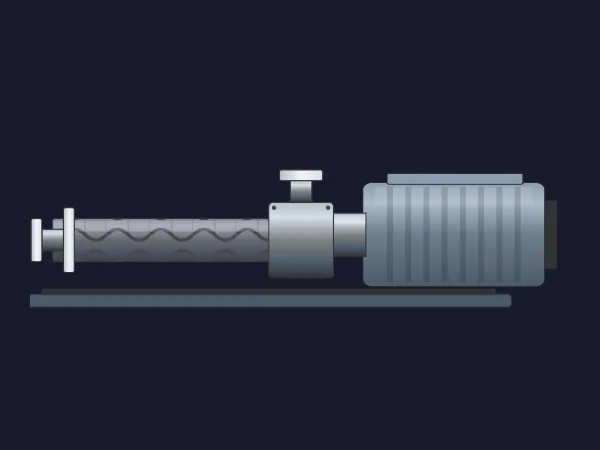
Sludge, slurries and viscous media need a positive displacement pump, and this one looks the part: a long stator tube with a helical rotor drawn inside, a suction housing with an inlet on top, an outlet flange at the end and a ribbed motor, all on a long baseplate. Any wastewater engineer will read it as a progressive cavity pump without a label.
PumpSpeed animates the internal elements to suggest speed, ShowMotor hides the drive and MotorColor, FlangeColor, BaseplateColor and BasicColor cover the palette. Six properties, all named.
What we like
- The most convincing progressive cavity drawing we found
- Internal motion tied to a speed value
- Fully documented interface
Keep in mind
- Very long and thin: it needs a wide slot on the screen
- Its sheet does not explain what
PumpSpeedexpects: test a few values before binding it to the drive
Bindable properties
- PumpSpeed
- ShowMotor
- MotorColor
- FlangeColor
- BaseplateColor
- BasicColor
08Best lobe pump for hygienic processes
Lobe Pump
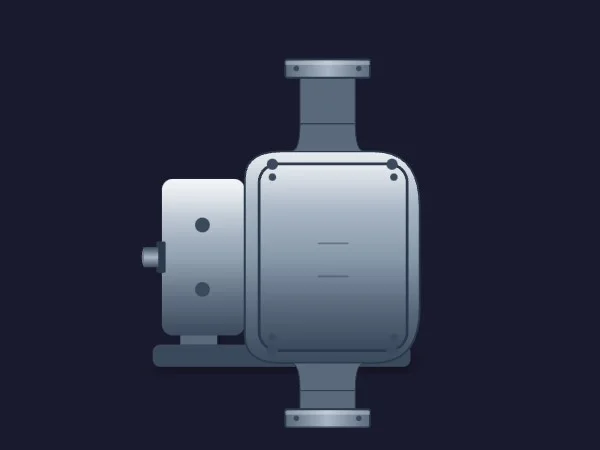
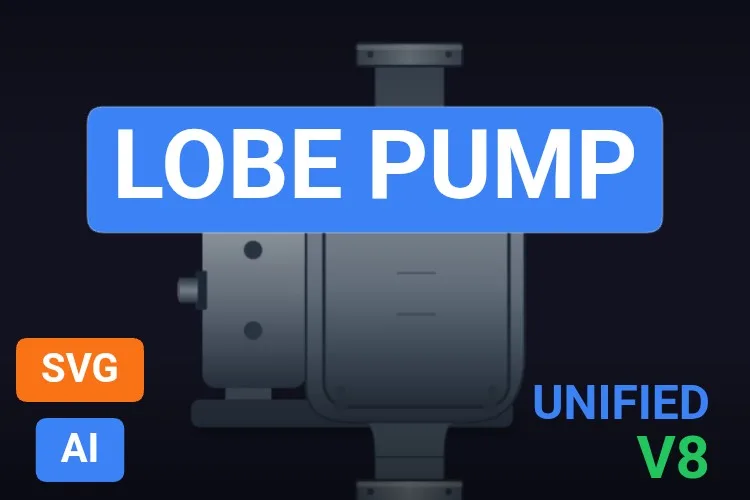
Dairies, breweries and food plants love rotary lobe pumps, and symbol libraries usually forget them. This one has the typical layout: a gearbox with its shaft stub on the left, a bolted pump head and vertical flanged ports above and below.
According to its sheet, UpperLobeRotation and LowerLobeRotation turn the two lobes independently, and ShowSectionCover opens a cut-away to reveal them. In the published preview the cover is closed, so we could not see the lobes ourselves. ShaftVisibility, BasicColor, PortColor and BaseColor complete a tidy set of seven.
What we like
- A pump type that is hard to find as a dynamic SVG
- Vertical ports that fit naturally into vertical pipe runs
- Port colour separate from the body
Keep in mind
- The lobes are hidden in the preview: check the cut-away in TIA Portal before promising it
- Two rotation properties to drive instead of one
Bindable properties
- UpperLobeRotation
- LowerLobeRotation
- ShowSectionCover
- ShaftVisibility
- BasicColor
- PortColor
- BaseColor
09Best eye-catching symbol for overviews
Impulsion Pump Symbol

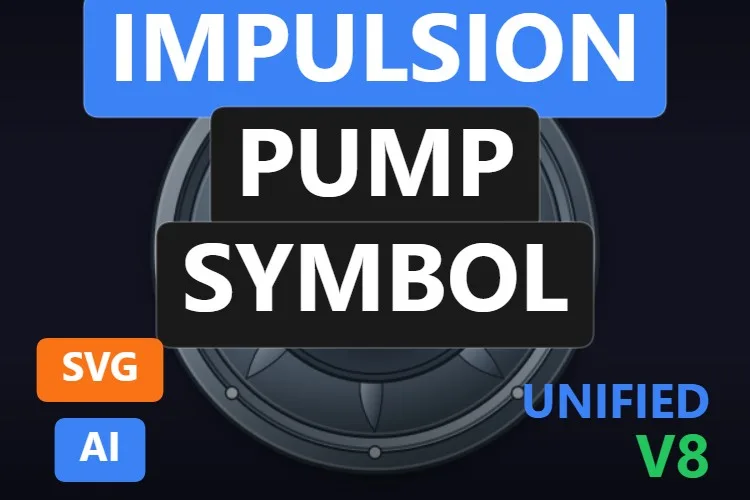
The newest pump on the list and the one with the most personality. A round, machined-looking bezel with bolts, a ring of curved blades and a dark centre holding a glowing teal triangle. It is still a circle-and-triangle pump symbol, just dressed for a modern dashboard.
RotorAngle turns the blade ring, which is drawn face-on, so the motion reads well. ArrowColor carries the state (running, stopped, fault), ShowArrow and FlowDirection control the triangle, and BasicColor sets the body. Five properties, all named.
What we like
- Rotation that makes sense, plus a clear status colour
- Very legible from across a control room
- Flow direction is a property, not a redraw
Keep in mind
- Too flashy for strict ISA-101 grey screens
- Despite "Impulsion" (discharge) in its name, nothing in the drawing is specific to discharge duty: it works as a general pump symbol
Bindable properties
- RotorAngle
- ArrowColor
- ShowArrow
- FlowDirection
- BasicColor
Honourable mentions: 8 more pumps worth a look
They did not make the top nine, usually because a better sibling did or because their sheet leaves too much unsaid, but each one has a good reason to exist. Click any thumbnail to open its product page.
Drive Pump
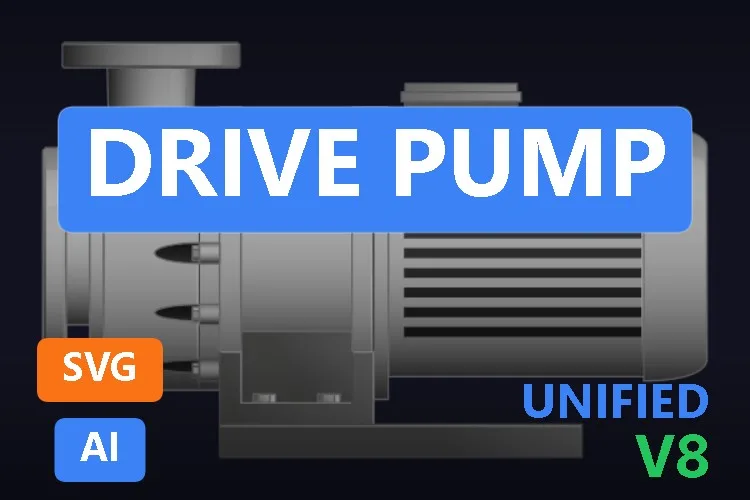
Arguably the most realistic render of all: a polished end-suction pump with a ribbed motor, terminal box and base. Its sheet announces six properties (colours and visibility) without naming them, so check the interface in TIA Portal.
View product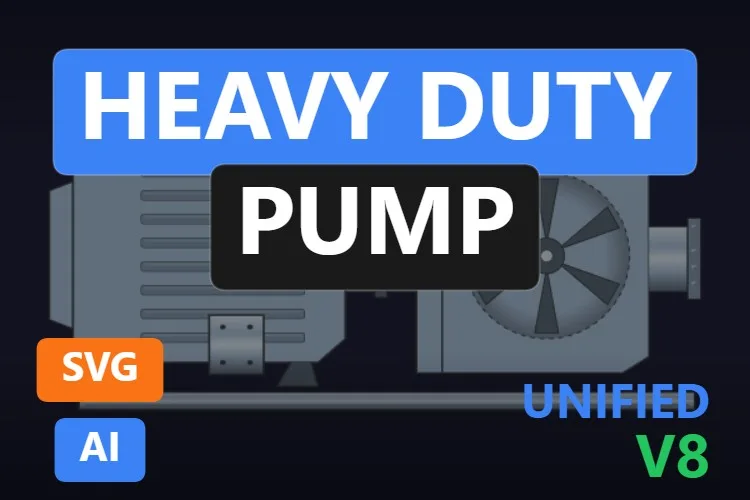
Heavy Duty Pump
The near-twin of our animated Centrifugal Pump, with a baseplate and eight properties, including
View productRotorRotation,ShowRotorand colours for the fins, coupling and terminal box.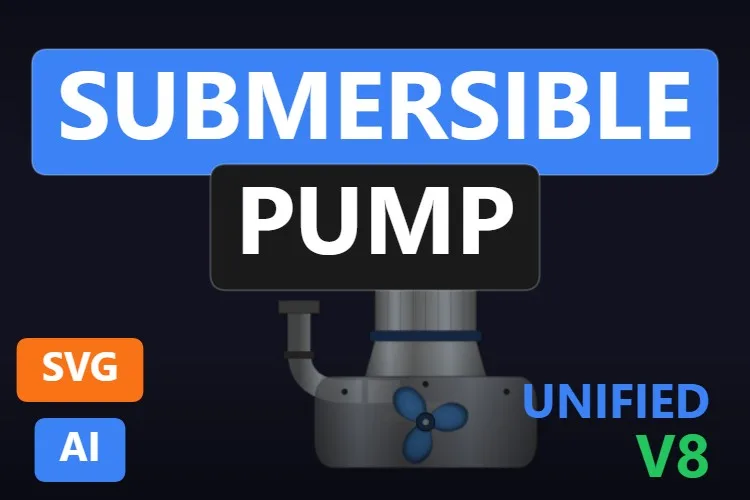
Submersible Pump
A compact submersible with a blue impeller exposed at the bottom,
View productPumpSpeed,ShowImpellerandRunningIndication, which changes opacity between running and standby.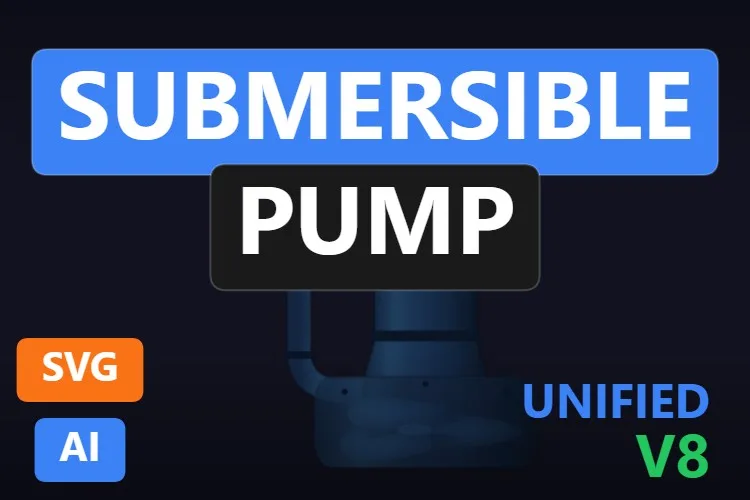
Submersible Pump
A deep blue submersible with
View productImpellerOpacityfor a see-through volute andRotationSpeed. Beautiful, but low contrast on dark screens.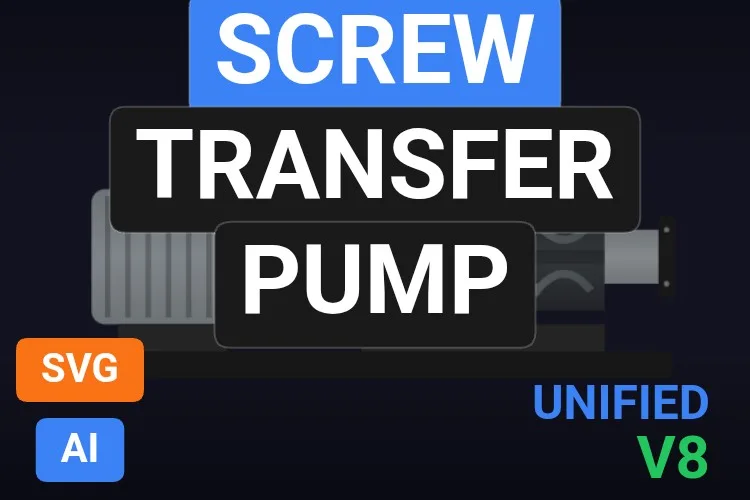
Screw Transfer Pump
Another screw pump with a visible rotor. Its
View productScrewPositionslides the screw sideways rather than turning it, which is why the Sludge Feed Pump won.
Centrifugal Pump
A sober graphite pump and motor with
View productShowGuardandShowShadow. Good if the shiny ones feel too much.
Diaphragm Pump
A flat double-diaphragm symbol for dosing lines, with only
View productBasicColorandPumpBodyColor. Simple, and rare in libraries.
Pump Symbol
Flat motor ("M") and pump circles with a flow arrow and the four status icons. Note that its sheet describes metallic 3D gradients that the published preview does not show.
View product
Didn't find your pump? Make your own (or remix one) with AI, for free
A confession: every pump in this article was created with the HMIx AI generator. That is why we can say this without blushing: if none of them is exactly the pump in your plant, you can generate your own in minutes.
Describe the equipment in plain words (for example, "vertical inline pump with a motor on top, a status colour for the motor and a fault icon") and the generator walks you through it step by step: the drawing, the properties you will bind in WinCC, a simulation to try values and the final .svghmi package for WinCC Unified and WinCC V8. The same tool builds Custom Web Controls when you need numbers, buttons or logic that an SVG cannot provide, such as a pump faceplate with speed in rpm.
- Remix any pump on this list: on its product page, the "Edit in AI Generator" button opens it straight in the generator, ready for you to ask for changes such as "make it ISA-101 grey", "add a fault icon" or "mirror it so the inlet is on the right". The "Edit it with AI" links in this article do the same.
- Free to try: you can start without an account, with a small daily allowance of credits, and the Community plan is free.
- The result is yours to use: download the package and drop it into your TIA Portal project like any other pump on this page.
How to use a dynamic SVG pump in WinCC Unified (and WinCC V8)
The short version, for when you have already picked your pump. Our dynamic SVG guide covers every step with diagrams and screenshots.
Download the .svghmi file
Open the product page, sign in with your free account and download the file. All the pumps in this article are free.
Copy it into your TIA Portal project
In WinCC Unified, put the file in your project folder under
UserFiles\SVGControls(create both folders if they do not exist). Back in TIA Portal, refresh Dynamic widgets in the Tools task card and drag the pump onto your screen.Bind the properties
Select the pump and, in the Inspector window, find its state property (
MotorColor,ActiveColor,MotorStatusColor… each pump names it its own way) and drive it from the pump's running and fault bits. Do the same with rotation, switches and status icons if it has them.Test before connecting the PLC
Bind the properties to internal tags, add I/O fields for those same tags and start Runtime: switch between stopped, running and fault, and try a few rotation values. Only then switch to the real PLC tags.
On WinCC V8
WinCC V8 also supports SVGHMI dynamic graphics, which you configure in Graphics Designer. The file is the same; the engineering steps are those of that environment.
Pro tip: before binding a rotation property, check in the Inspector whether it expects an angle or a speed. An angle (such as RotorAngle or RotationAngle) only turns the drawing to that position, so a fixed value will not make the impeller spin; you need a tag that keeps changing while the pump runs. And remember that a dynamic SVG cannot show changing text: put the speed or the current in a WinCC I/O field next to the pump.
Frequently asked questions
Are these dynamic SVG pumps really free?
Yes. Every pump in this article is published as a free product on HMIx. You only need a free account to download them.
Do they work on WinCC Unified Comfort Panels and on WinCC V8?
Their product pages list compatibility with WinCC Unified, including Unified Comfort Panels, and with WinCC V8. As with any AI-generated graphic, test the behaviour in your own project and on your target device before going into production.
How do I show a pump as running, stopped or in fault?
Bind the pump's colour property (for example MotorColor, ActiveColor or MotorStatusColor) to a tag and use WinCC dynamization to map each state to a colour: grey for stopped, a running colour and red for fault. Pumps with built-in status icons, such as the Process Line Pump, add alarm, lock, manual and maintenance on top.
Which pump symbol follows ISO or P&ID conventions?
The Pump Symbol (product 1129) is the closest: according to its sheet it follows ISO 7000-0134 and ISO 14617-6, with the classic circle and a triangle pointing to the discharge. The Impulsion Pump Symbol keeps the same idea with a more decorative look.
Can a dynamic SVG pump display speed, flow or current?
Not as changing text: a dynamic SVG can change colours, visibility, positions and rotations, but not the text it shows. Place a WinCC I/O field next to the pump for the numbers, or use a Custom Web Control if you need a complete pump faceplate.
Can I modify one of these pumps?
Of course. You can open the .svghmi file in any text or vector editor, or press "Edit in AI Generator" on the product page and ask for the changes in plain language. The second option is usually faster, because the generator takes care of the properties and the packaging.
Our verdict
If you only download one, make it the Water Pump: it fits any screen and its pipe widths line up with what you already have. For P&ID-style overviews, the Pump Symbol; for status-heavy operator screens, the Process Line Pump; for lift stations, the slim wastewater Submersible Pump; and for sludge, the Sludge Feed Pump.
And if your pump is stranger than all of these (there is always a vertical turbine pump somewhere), remember that the generator that drew them is just one click away.